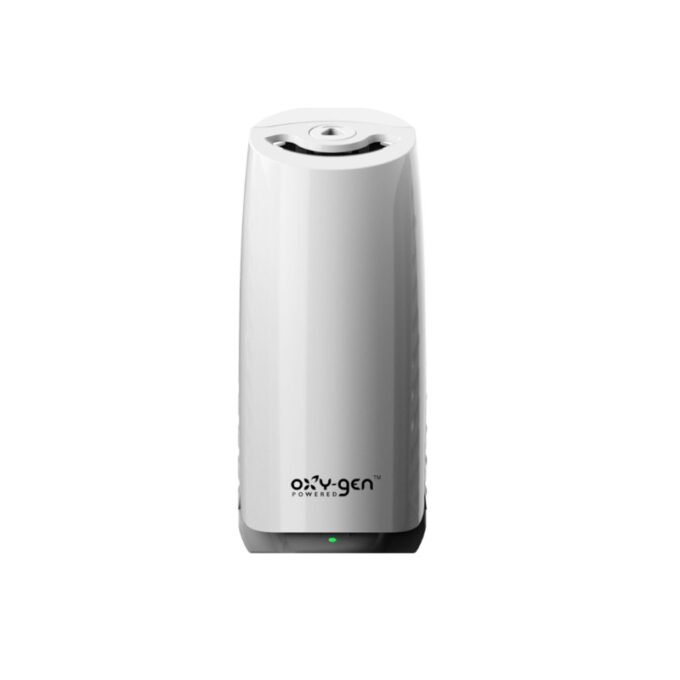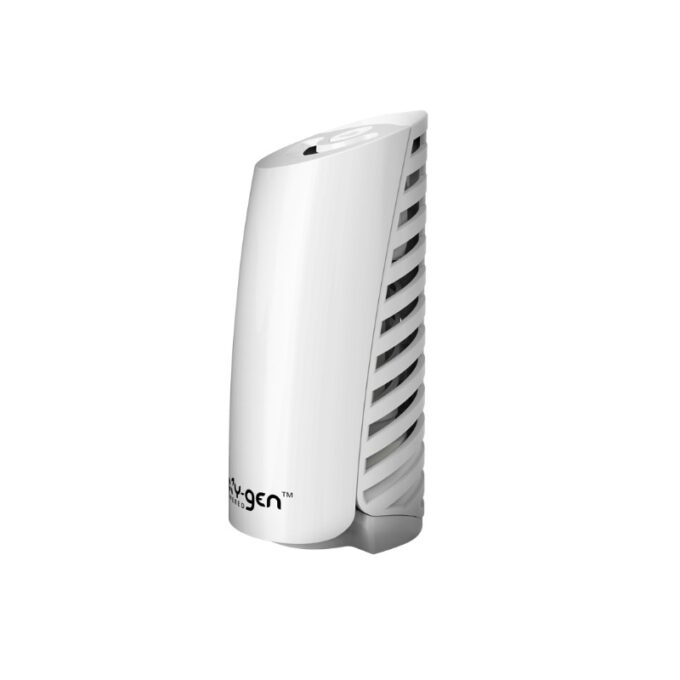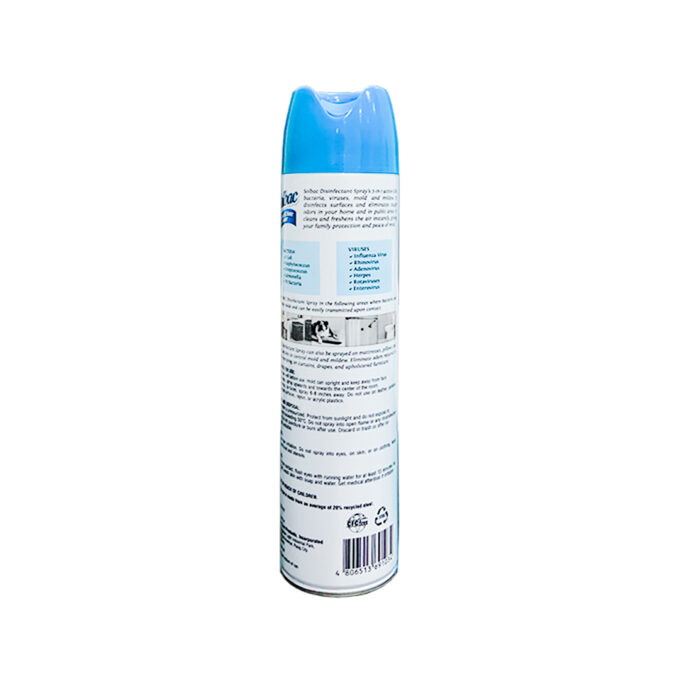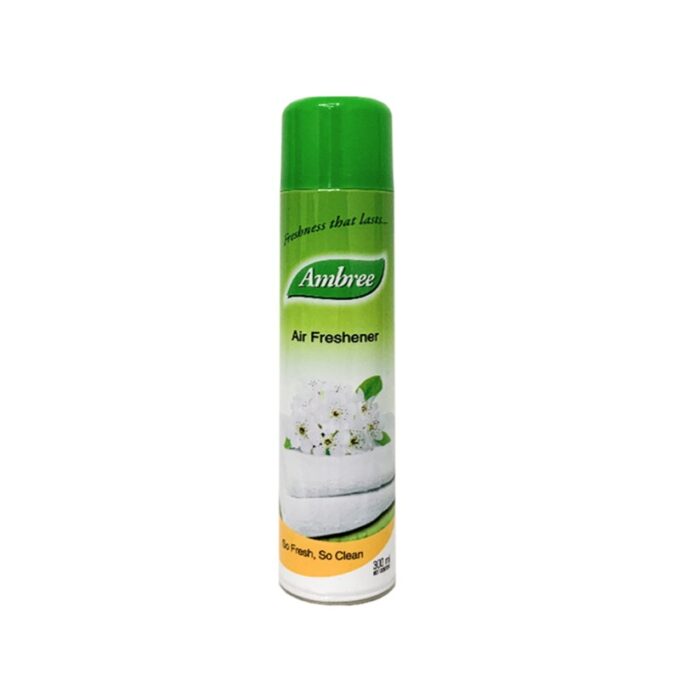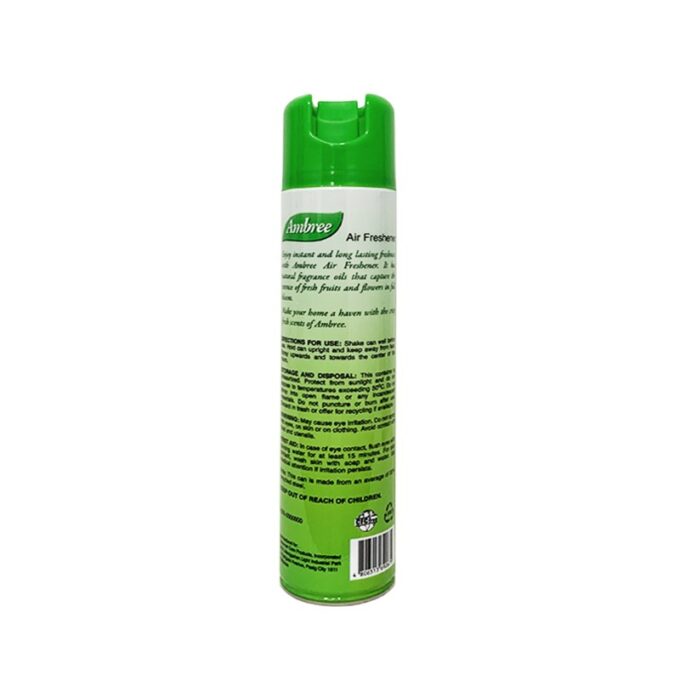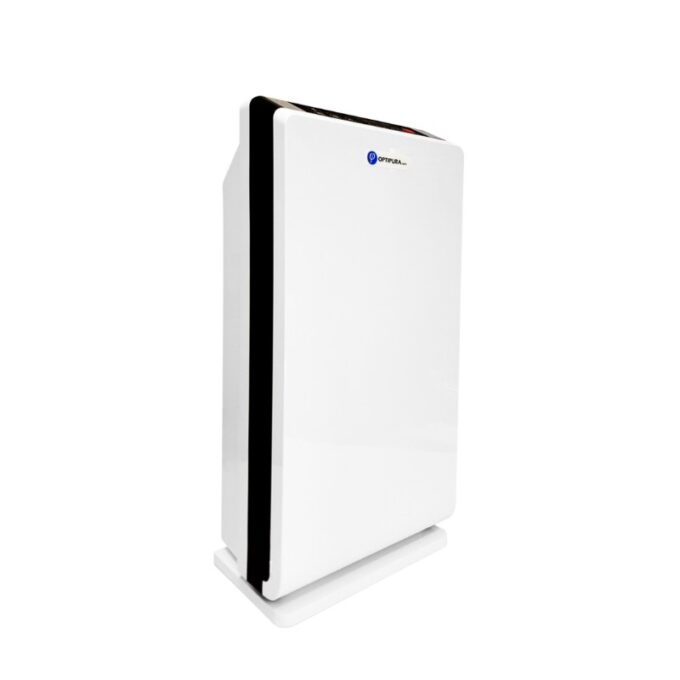


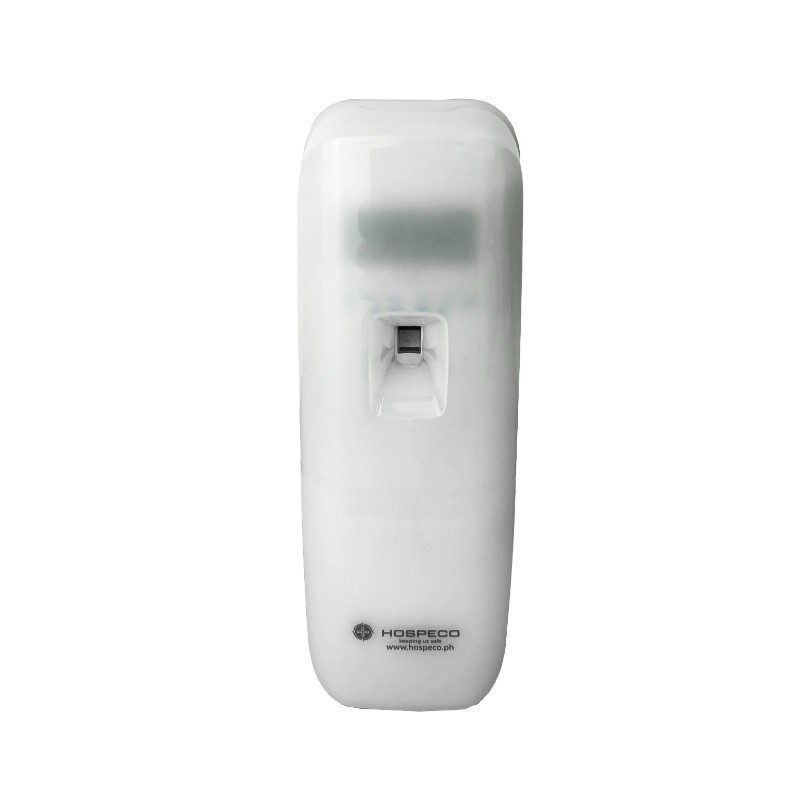
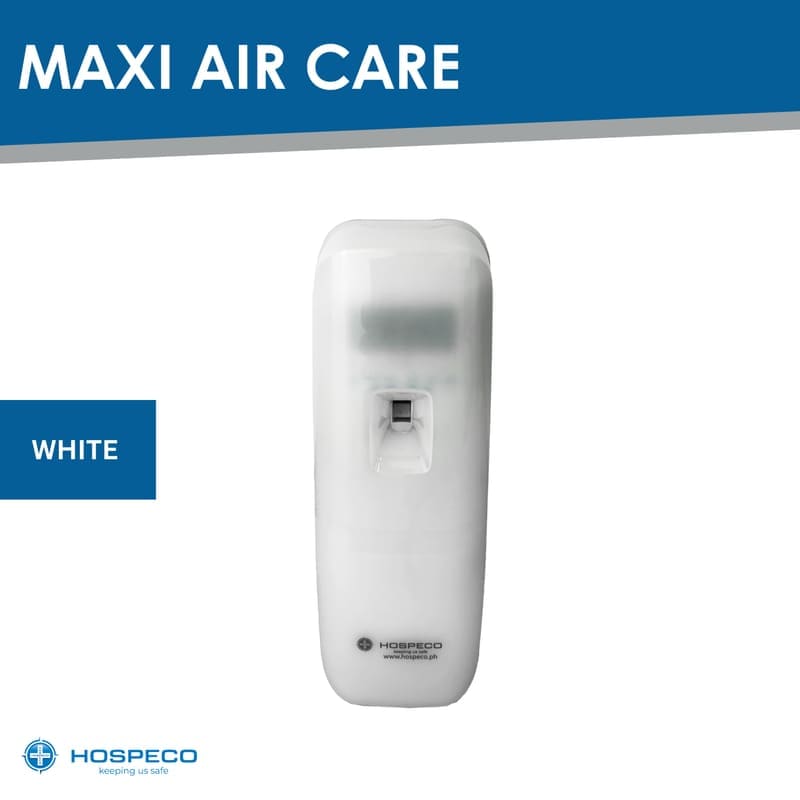
Maxiaircare Air Freshener Dispenser White
₱1,250.00
Description
– POWER BUTTON: Turn ON/OFF power
– MODE BUTTON: Press to start setting
– ADJUST BUTTON: Press to adjust every setting
– ENTER BUTTON: Press to confirm every setting
– TEST BUTTON: For demo use only, press to get a demo spray
-RESET COUNT BUTTON: Keep pressing the button for 5 seconds to reset the spray amount counter to be 0, while replacing with a new refill
– LED LIGHT INDICATOR: Dual color LED, blinking in green means condition is well, while blinking in red means the spray count is over 3000 times, user should check the refill condition, if empty, please change with new refill, and press the reset count button to clear spray record.
FUNCTIONS SETTING
I. SET MODE: LOCAL TIME SETTING
Press MODE, then SET is blinking, press ADJUST to adjust local HOUR, and then press ENTER to confirm and auto to next setting.
Press ADJUST to adjust local MINUTE, then press ENTER, auto to next setting.
Press ADJUST to select local WEEKDAY, then press ENTER, auto to next WORK mode.
II. WORK MODE: WEEKDAY MON–SUNDAY WORKING CONDITION SETTING
(From Mon–Sun) press ADJUST to select Monday work ✓ or no work ✗, then press ENTER, auto to Tuesday–Wednesday–Thursday–Friday–Saturday–Sunday, then auto to next INT mode.
III. INT MODE: SPRAY TIME INTERVAL SETTING
Press ADJUST to adjust the spray interval INT (From 01–60 minute), then press ENTER, then auto to next 24H mode.
IV. 24H WORKING TIME CONDITION SETTING
(24H ✓ means 24 hours working, 24H ✗ means user can customize working period mode by ON mode/OFF mode.)
Press ADJUST to select 24H ✓ working or 24H ✗ not 24H working mode. If select 24H ✓ working, then press ENTER to complete all setting. If select 24H ✗ not working mode, then auto to next ON mode.
V. ON MODE: (START WORKING TIME SETTING EACH DAY)
Press ADJUST to adjust the working HOUR, then press ENTER, auto to next MINUTE SETTING mode.
Press ADJUST to adjust MINUTE, then press ENTER, auto to next OFF mode.
VI. OFF MODE: (STOP WORKING TIME SETTING EACH DAY)
Press ADJUST to adjust stop working HOUR, then press ENTER, auto to next MINUTE SETTING mode.
Press ADJUST to adjust MINUTE, then press ENTER complete all setting.